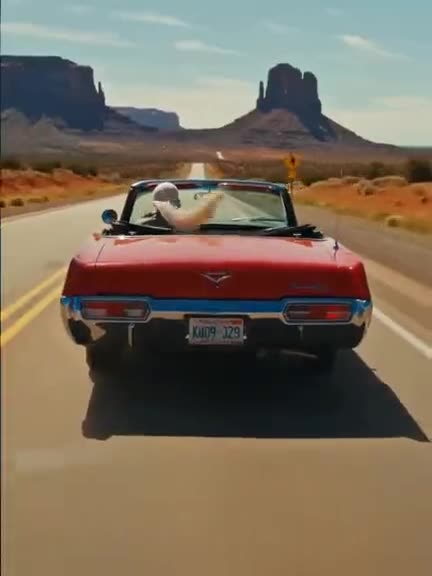
 ~1-3 min40 cr/s · HD
Edit video
Change the weather, wardrobe or mood of footage you already have, with one sentence.
Clip ≤ 15s
~1-3 min40 cr/s · HDChange the weather, wardrobe or mood of footage you already have, with one sentence.
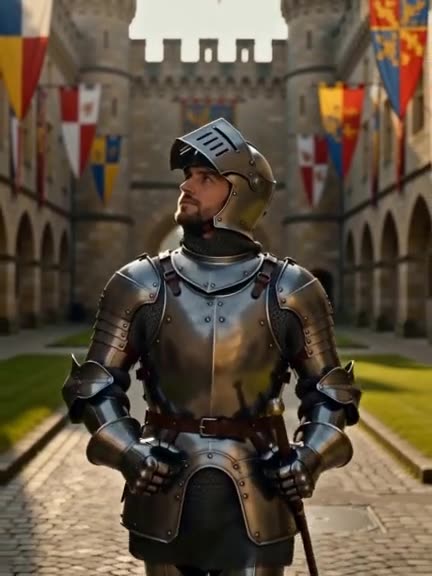 ~1-3 min40 cr/s · HD
Keep the camera and every move; film it again as a new world, or swap one thing.
 ~1-3 min40 cr/s · HD
Put your scene somewhere new. A background photo shows where.
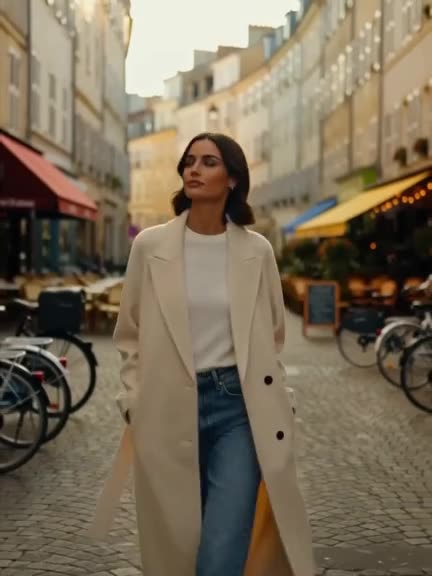 ~2-6 min40 cr/s
Give your scene a new lead. A character photo shows who.
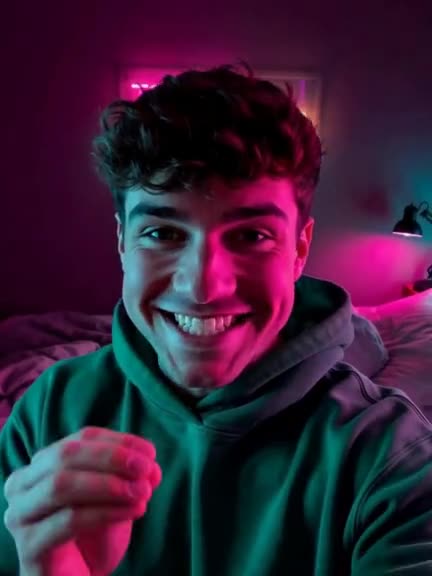 ~1-3 min40 cr/s · HD
Golden hour, neon night or candlelight on the shot you already have.
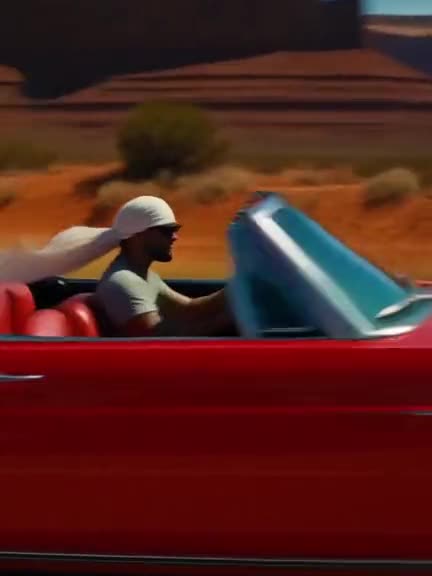 ~1-3 min40 cr/s added
Say what happens next and get more seconds of the same shot.
 Standard ~1–3 min; longer Studio passes can take several minutes25–67 cr/s
Match your character's mouth to an uploaded voice track.
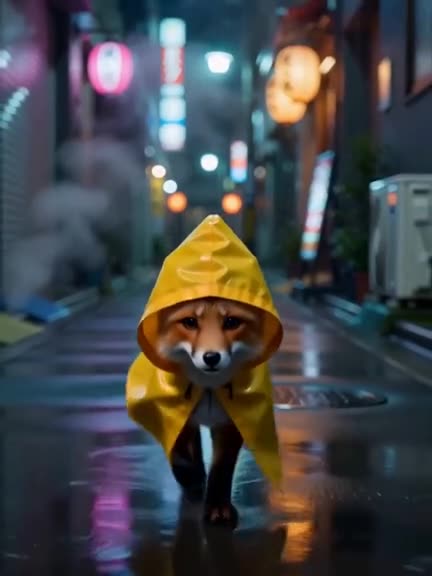 ~30-90s1 cr/s
Two or four times slower, with new frames made in between.
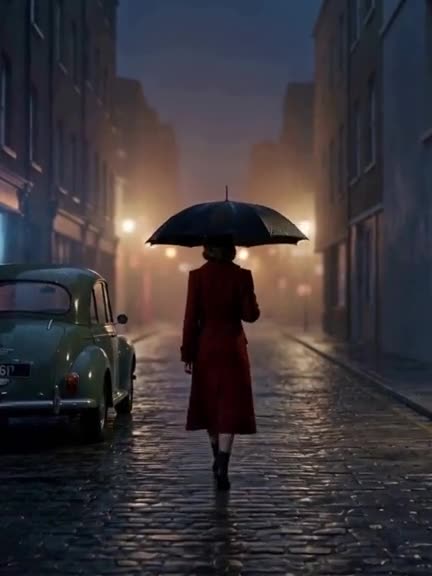 ~2-5 min250 + 40 cr/s
Turn a greybox or Blender previs into finished footage, shot for shot.
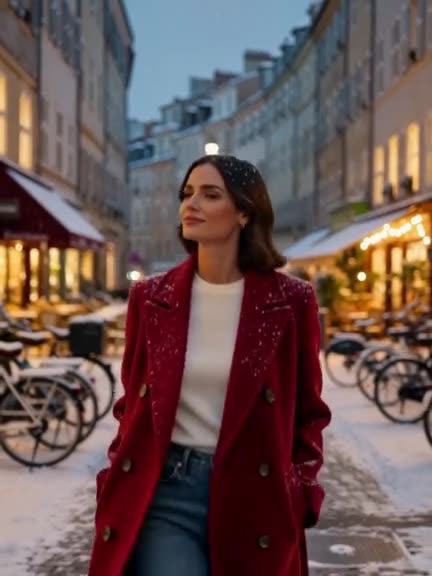 2–6 minPriced for your inputs
Describe one change to a clip up to 30 s; add up to ten photos of what should appear.
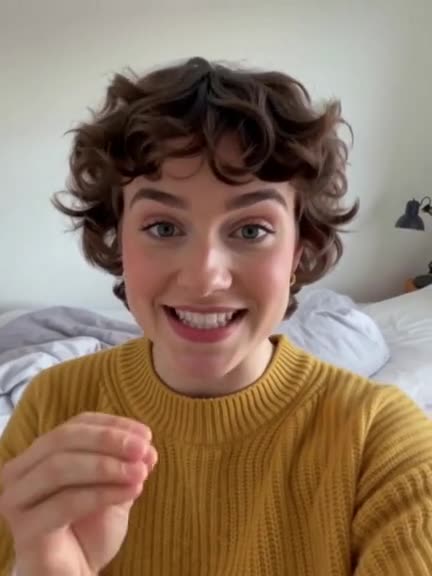 1–3 minPriced for your inputs
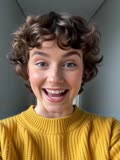
Put the people from up to four photos into your clip, moving the way the clip moves.
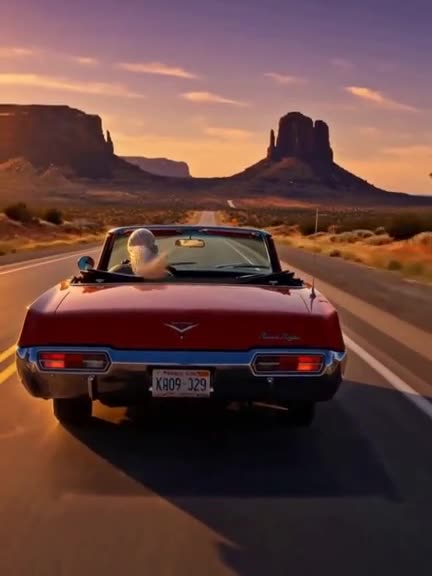 1–3 minPriced for your inputs
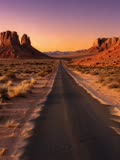
Give a clip the light of a reference photo, up to 2K.
Relight, split into layers you can drag, remove or move objects, new angle, cut-out, expand, upscale.
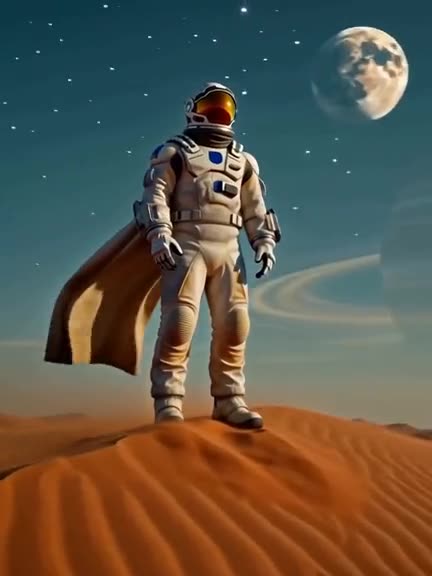 ~1-2 min40 cr/s · HD
Orbit, crane or push through a still photo. Only the camera moves.
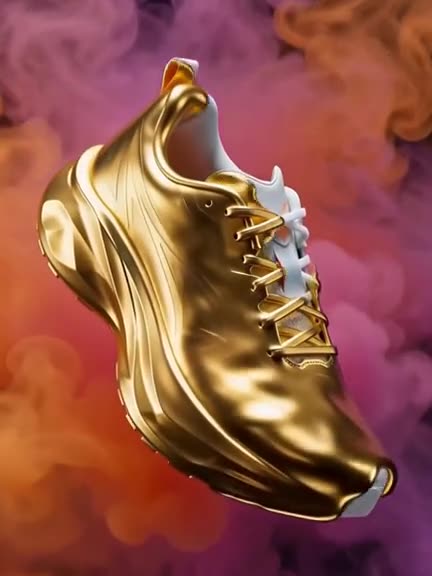 ~1-2 minfrom 200 cr a clip
Bullet time, turn to gold, zoom out to space: one photo, one click.
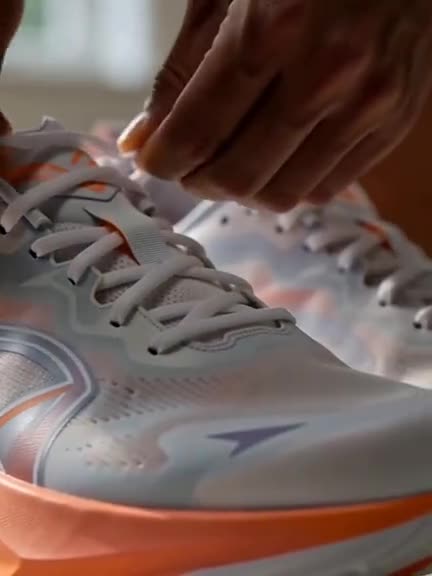 ~2-4 min40 cr/s · HD
Paste a product page; get a short video ad from its photos.
Make or edit a still with your own LoRA weights, each at its own strength.
Get a motion graphic as code: a video preview, plus the source and HTML to download.
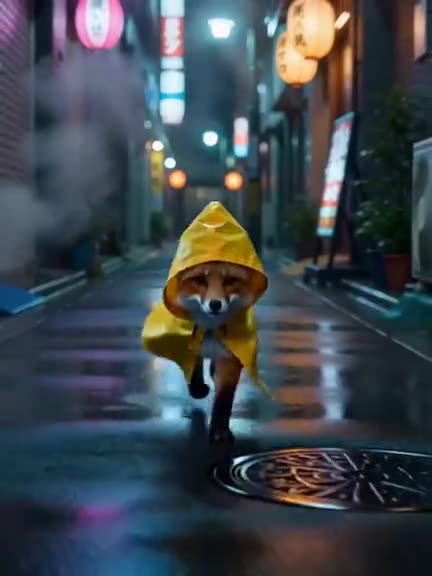 ~30-90s1 cr/s
A soundtrack made from the action on screen.
 ~5-15s1 cr/s of sound
Describe a sound and get it: footsteps, a door slam, rain. It can loop.
 ~10-30sfrom 20 cr / 1K chars
Type a script, pick a voice, get a natural narration track.
 ~30-90s1 cr/s of music
A song or score from a description, with your lyrics or none.
 ~1-4 min300 cr / min
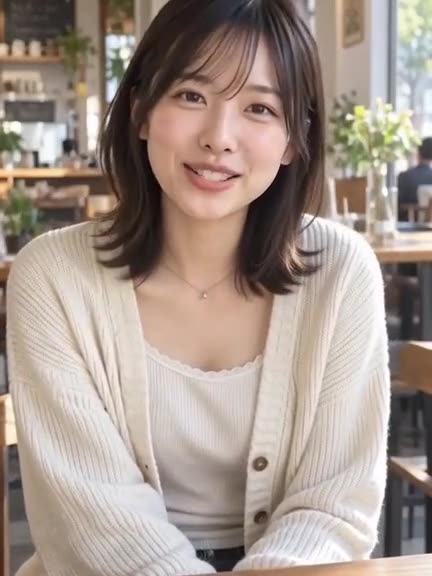
Your clip speaking another language, in the same voices.
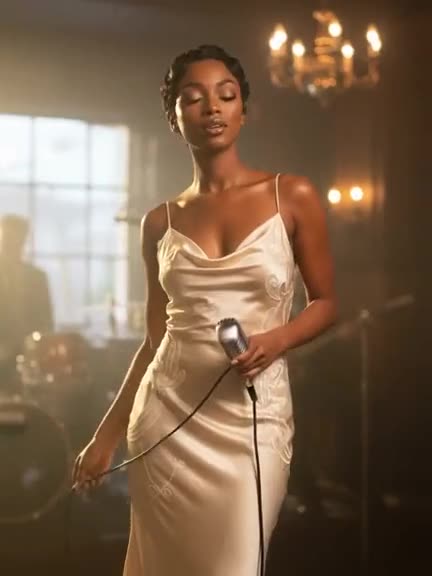 ~3-8 min30 cr/s
A song in, a music video cut to its beat out.
Dub a clip with speech into another language, in the speaker's own voice.
Turn a script into speech with one of 24 voices, or a voice from a short sample.
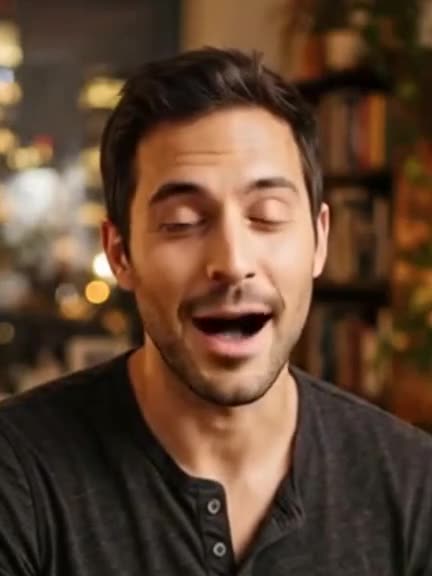 ~1-4 min10 cr/s
Bring soft footage into focus and take it up to 1080p.
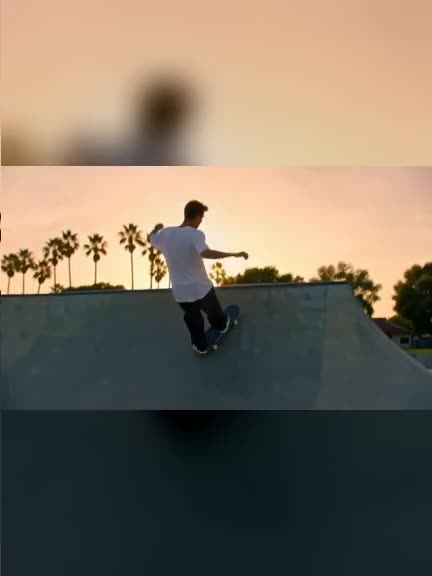 ~1-3 min40 cr/s · HD
Turn a widescreen shot into a full-height vertical video.
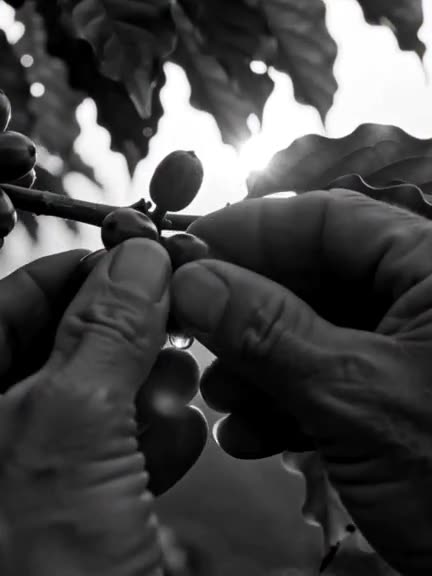 ~10-30s2 cr a clip
A finished colour look in seconds: teal and orange, film, black and white.
Build a shot from nothing: plan the camera in 3D, or steer a scene live while it streams.
Describe the shot and Astra lays out the camera path and the action on a timeline. Move any keyframe, then render it with Seedance 2.5 or MiniMax H3 Max, or film the greybox with Previs to film.
 LIVE
Type the next thing that happens and the stream follows, with the same people and place. Record the takes you want to keep.