Your creative studio, powered by Bittensor
Every frame gets crafted.
From your first idea to the final frame.
Popular features
View all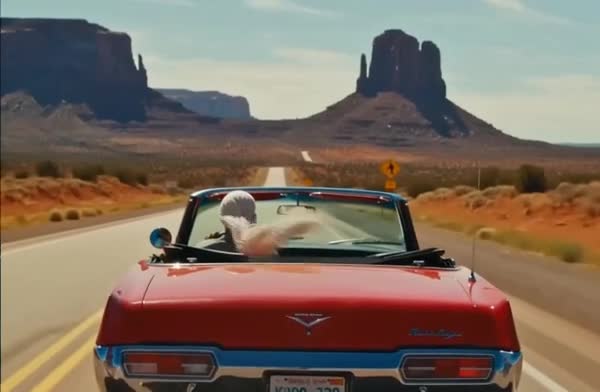 Video toolsChange any shot with a sentenceTry it now in Video tools
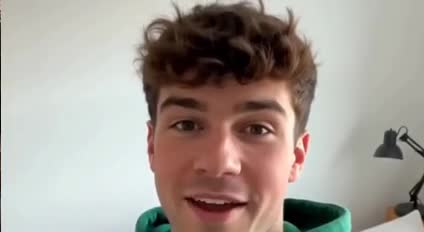 Change backgroundNew place, same take
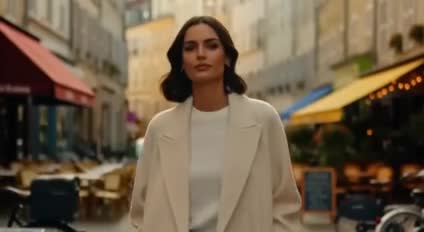 Replace the personA new lead from a photo
 Lip-syncMatch a voice track
 Add soundA soundtrack from the picture
 Upscale to HDSoft footage to sharp 1080p
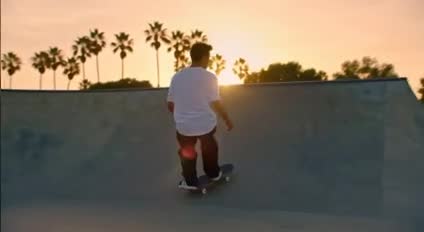 Make it verticalWidescreen to full height
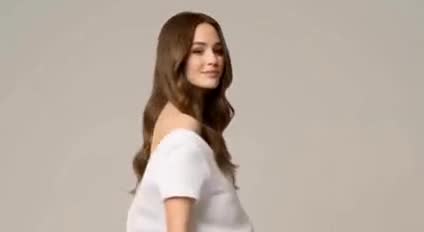 Try-onAny outfit, on you
 Live StageDirect a scene as it plays
Made with EveryFrame
View galleryOne studio for AI video, images and sound
Choose the model for your idea
Start with a text prompt or add reference media. Compare available models such as Seedance, Kling, Veo and MiniMax, then choose the supported format, resolution and duration. Input modes vary by model, so the creation controls update with your choice.
For an image-led scene, select a model that supports an opening frame or additional references. For a new concept, describe the subject, action, camera and setting.
Review the price, then create
The quote reflects your model and settings before you generate. Studio uses one credit balance across its supported creative tools. Visit plans and credits to compare allowances and top-ups.
Generated media stays in your workspace. Use Director to explore editing tools, or bring clips into an editor project to assemble a sequence.
Learn from real films
Open the gallery to watch published films and read their original prompts. Use the examples as creative references, then adapt the lighting, framing and motion to your own story.
Developers can use the EveryFrame API. Learn how supported requests connect to independent miners in our Bittensor AI video guide.